
A practical guide to moving enriched leads into Zoho CRM, assigning an owner and protecting the follow-up with n8n. Build the handoff, not just the connection.
A new lead arrives. Its email address is valid, the account fits your ICP, and someone should make the first call. Yet the record sits in a spreadsheet while your team works from a different list.
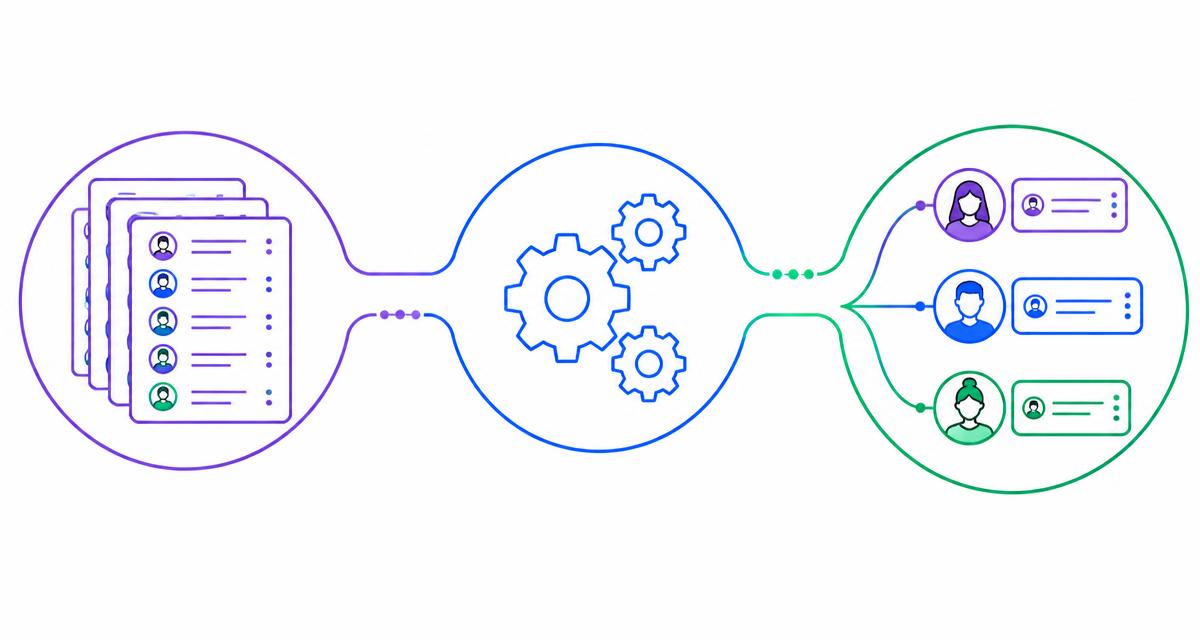
Connecting n8n and Zoho CRM can close that operational gap. n8n receives the lead, validates and transforms the data, sends it to Zoho CRM and coordinates the next action. The important result is not that a record exists. It is that the right person has the context and a clear follow-up to own.
The strategic advantage of custom data pipelines
Overcoming native integration limits in enterprise sales
Native integrations are useful when the source and destination agree on fields and process. They become restrictive when your sales operation needs custom territory rules, enrichment checks, exception handling or several dependent actions.
A custom pipeline lets you make those decisions explicitly. Which fields are required? What identifies a duplicate? Who owns a lead with no territory? Which source may update an existing record? Answer these questions before connecting systems.
Moving beyond basic zaps: n8n for B2B operations
n8n is useful when the workflow needs branching, transformations and direct API requests. It is not automatically better than a simpler connector. If one reliable native integration covers the process, keep it. Choose n8n when the additional control earns its maintenance cost.
The pattern is straightforward: receive, validate, normalize, match, assign, write, follow up and monitor. Each step should have a named owner and a visible failure path.
Prerequisites for the Zoho CRM and n8n integration
Generating OAuth 2.0 credentials in the Zoho Developer Console
Register the appropriate application in the Zoho API Console and configure the callback URL required by your n8n credential setup. Use an authorized CRM identity with access to the relevant modules. Request only the scopes needed for the operation.
For lead creation, Zoho documents the scope ZohoCRM.modules.leads.CREATE. Updating or upserting records requires the appropriate additional permissions; do not assume a create-only credential covers every later step.
Zoho uses different API domains for different data centers. An India-hosted organization uses https://www.zohoapis.in; other organizations must use their own data-center domain. Verify the organization and credential region rather than choosing a domain from the salesperson's location.
Securing n8n environment variables and authentication
Store tokens and client secrets in n8n's credential system, not in workflow text, exported examples or browser code. Protect the encryption key used for stored credentials and restrict who can view and edit workflows. Keep development and production credentials separate where practical.
Authenticate the incoming webhook. n8n supports Basic, Header and JWT authentication, among its available webhook options. Choose the method the source can send reliably, keep it behind HTTPS and validate the payload even after authentication succeeds.
Step-by-step workflow: routing leads from source to CRM
Step 1: capture the lead payload through a custom webhook
Create an n8n Webhook node for the incoming request. Use its test URL while building, and the production URL only when the workflow is ready and published or activated as required by your n8n version.
The source might be a website form, an approved enrichment system or enriched ICP contacts exported from a tool such as Apollo.io. Receiving a contact does not grant permission to contact them: preserve the source and use data in line with applicable rules and your organization’s outreach policy.
Include a stable source record ID, company, contact name, email, territory and capture time where available. Reject malformed payloads and send records with missing business-critical fields to a review path instead of silently guessing.
Step 2: transform and format the data
Use n8n's Edit Fields and other core nodes to map the source data to Zoho field API names. Normalize email formatting, strip accidental whitespace, validate picklist values and retain the original source reference.
Do not confuse display labels with API names. A custom field called “Lead Priority” in the interface may have a different API name. Check the module metadata before writing it.
Unix timestamps can be useful for internal calculations, but they are not interchangeable with every CRM date field. Convert the source time to the format required by the destination field and preserve the timezone. A date-only field and a date-time field are different contracts.
Step 3: execute the HTTP Request node
For an India-hosted Zoho CRM organization, a basic lead-creation request uses:
Method: POST
URL: https://www.zohoapis.in/crm/v8/Leads
Authorization: Zoho-oauthtoken <access_token>
Content-Type: application/json
Keep the token in the credential configuration. The request body wraps records in a data array:
{
  "data": [
    {
      "Last_Name": "Example",
      "Company": "Example Manufacturing",
      "Email": "lead@example.com"
    }
  ]
}
This is an illustrative payload, not a complete production workflow. Check mandatory fields for your organization, custom layouts and validation rules. Map an approved CRM user ID into the Owner field only after resolving the routing decision.
Inspect each record's response, not just the HTTP status. Preserve the returned CRM record ID for later actions. A request that reaches Zoho is not proof that every submitted record was accepted.
Step 4: create follow-up tasks and configure cadence enrollment
Once the lead is confirmed, use its CRM ID to create the intended follow-up activity. Set an owner, a useful subject, a due date and enough context for the rep to act. Verify the current Tasks field metadata and the correct Lead association before sending a payload; activity relationships should not be guessed.
Creating a lead or a task does not automatically mean a Zoho cadence starts. Workflow rules, API trigger settings and cadence availability depend on your configuration and edition. Configure and test the specific enrollment path separately. Confirm that the intended rep can see the activity in Zoho CRM and, if used, the mobile app; notifications depend on their settings.
Advanced lead routing and workflow extensions
Dynamic assignment and pipeline distribution
Start with a deterministic routing table: territory, segment or deal-size band maps to an eligible owner. Add a fallback queue for unmatched records. Do not let missing fields become an unowned lead.
If you need round-robin assignment, use durable shared state and account for simultaneous arrivals. A counter that resets on each execution is not a reliable distribution system. Define what happens when an owner is unavailable and whether existing leads retain their current owner.
Syncing Zoho CRM with Google APIs
After the CRM confirms the record, the workflow can update Google Sheets or another approved Workspace tool for secondary reporting. Give that connection its own appropriately scoped credentials.
Keep Zoho CRM as the operational source of truth when that is your agreed process. A reporting-sheet failure should not cause the lead to be created again. Share only the fields the report actually needs and limit access to customer data.
Sales governance and error handling
Managing API rate limits and failed payloads
Use bounded retries for temporary failures and respect provider rate-limit guidance. Do not keep retrying invalid fields, missing permissions or expired authorization as though they were network problems.
An n8n error workflow can alert the person responsible for the integration. Keep a recoverable exception queue containing the source reference, the failed step and a sanitized error. Avoid exposing tokens or unnecessary personal data in logs.
Design retries around partial success. If the lead was written but the task failed, retry the task against the existing CRM ID, not the entire lead-creation chain. Test timeouts as well as explicit failures: a timeout may leave the write outcome uncertain.
Enforcing data hygiene and deduplication rules
Zoho's upsert endpoint, /crm/v8/Leads/upsert, can insert or update using an intentional duplicate policy. Its duplicate_check_fields setting controls which eligible fields are used for matching. Confirm those fields against your organization’s unique-field setup and the API documentation.
An email match may be useful, but it is not a universal identity rule. Shared addresses, changed contacts and existing records in other modules need an explicit policy. Decide which fields a source may overwrite and retain the source ID so repeat deliveries can be recognized.
Scaling your automated execution
Begin with one lead source, one routing rule and one follow-up action. Test a valid lead, a duplicate, a missing required field, an unknown territory, a rejected write and a task failure after a successful lead write.
Review accepted leads, exceptions and unowned records separately. Adding more sources should not mean adding more invisible failure points. The process should be understandable enough that your sales team knows where a lead went and who is responsible for the next call.
Vara Tech is an AI-powered B2B sales automation agency based in Pune, India, built and backed by ErayaSoft LLP. We help teams connect prospecting, CRM operations and human-governed follow-up into a working sales engine.
Book a free 30-minute Sales Diagnostic to discuss how a custom n8n and Zoho CRM workflow could fit your team.
Related reading
- Zoho CRM for SMEs: what to automate and what should stay human
- How to build a signal-based B2B ICP
- Why AI for sales needs human oversight and governance
Official implementation references
API details and product availability can change. Check the current documentation and your organization’s configuration before deploying.